
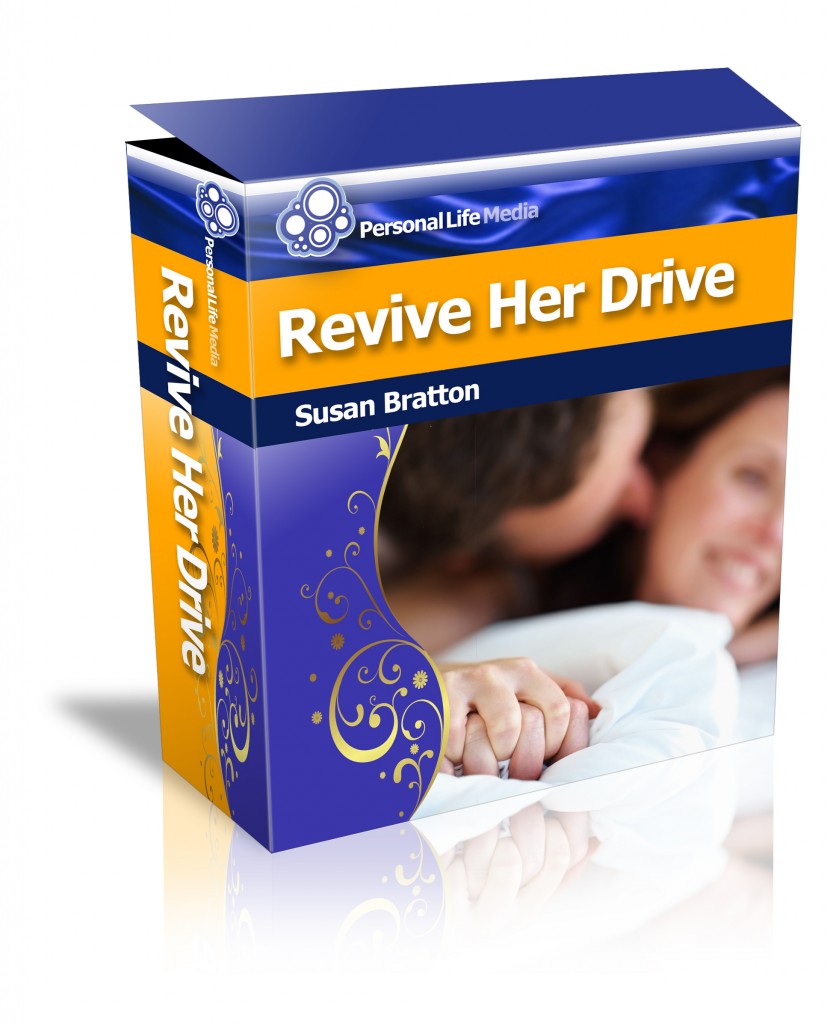
How to sign up as an affiliate for Revive Her Drive.
Go to http://clickbank.com
Click on the Promote Products link at the top of the page.
Also at the top, but a little below it, on the right hand side, there’s a sign up button in a green box that says, “Sign Up.”
Fill out the form and you’ll get your Clickbank account and ID. You will use that ID for all products you promote from Clickbank, not limited to Revive Her Drive.
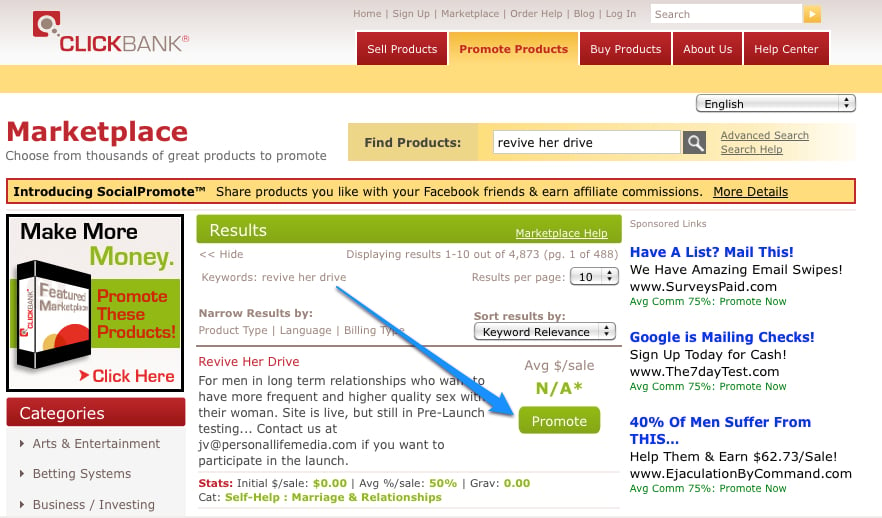
Once you have your Clickbank ID, you click on Marketplace in the very top top navigation in gray letters.
In the Find Products box, type in Revive Her Drive.
Click on the Promote button next to our listing.
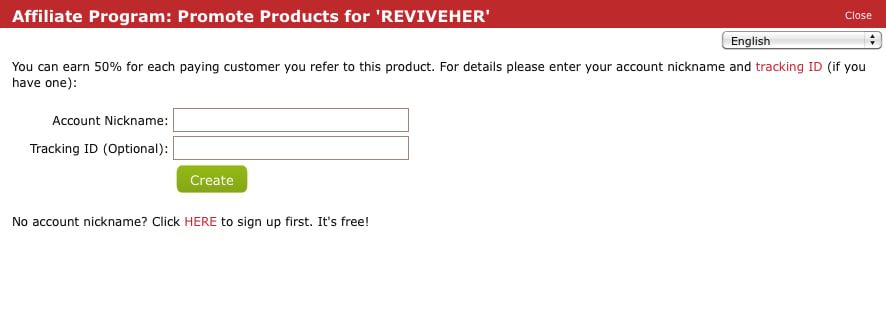
This box will ask you for your Account Nickname and if you want to track what sales come from where, you can make a note of it in your Tracking ID. That’s optional.
This creates your customized affiliate link – which they call at HopLink.
This can be shortened using Bit.ly, or left complete, depending on what you are using it for.
This is your affiliate link to use on your blog, Twitter, email, Facebook — anywhere you want to promote Revive Her Drive and get paid 50% of the revenue on all orders you generate.
Clickbank will send you a check as you rack up sales.
With Love,
Susan Bratton