
Want to listen to all the audio on your iPod?
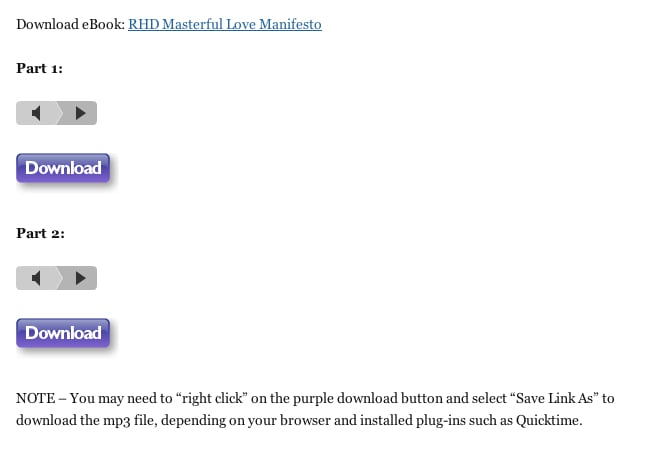
To put the audios on your iPod, just right click on the purple DOWNLOAD button (see image) and save to your Desktop.
Then drag the mp3’s into your iTunes. Create a Playlist called “Revive Her Drive” then drag those mp3s into that Playlist.
Then, when you synch your iPod to your iTunes, make sure you’ve checked the Revive Her Drive Playlist to sync to your iPod.
Enjoy!
With Love,
Susan Bratton